A photograph developed with LUMA

LUMA for iPhone

The iPhone camera,
refined for photographers.

Capture RAW with full manual control, see your look before the shutter, and develop every photograph in one non-destructive studio.

A complete photographic flow

Make the photograph yours from capture to export.

LUMA is where the physical becomes digital. It captures the light in front of you as RAW, then keeps the camera, your Preset, and the final edit together. Spend less time moving files between tools and more time deciding how the image should feel.

LUMA Pro Camera manual controls

RAW-first capture

Control the light.
Keep the data.

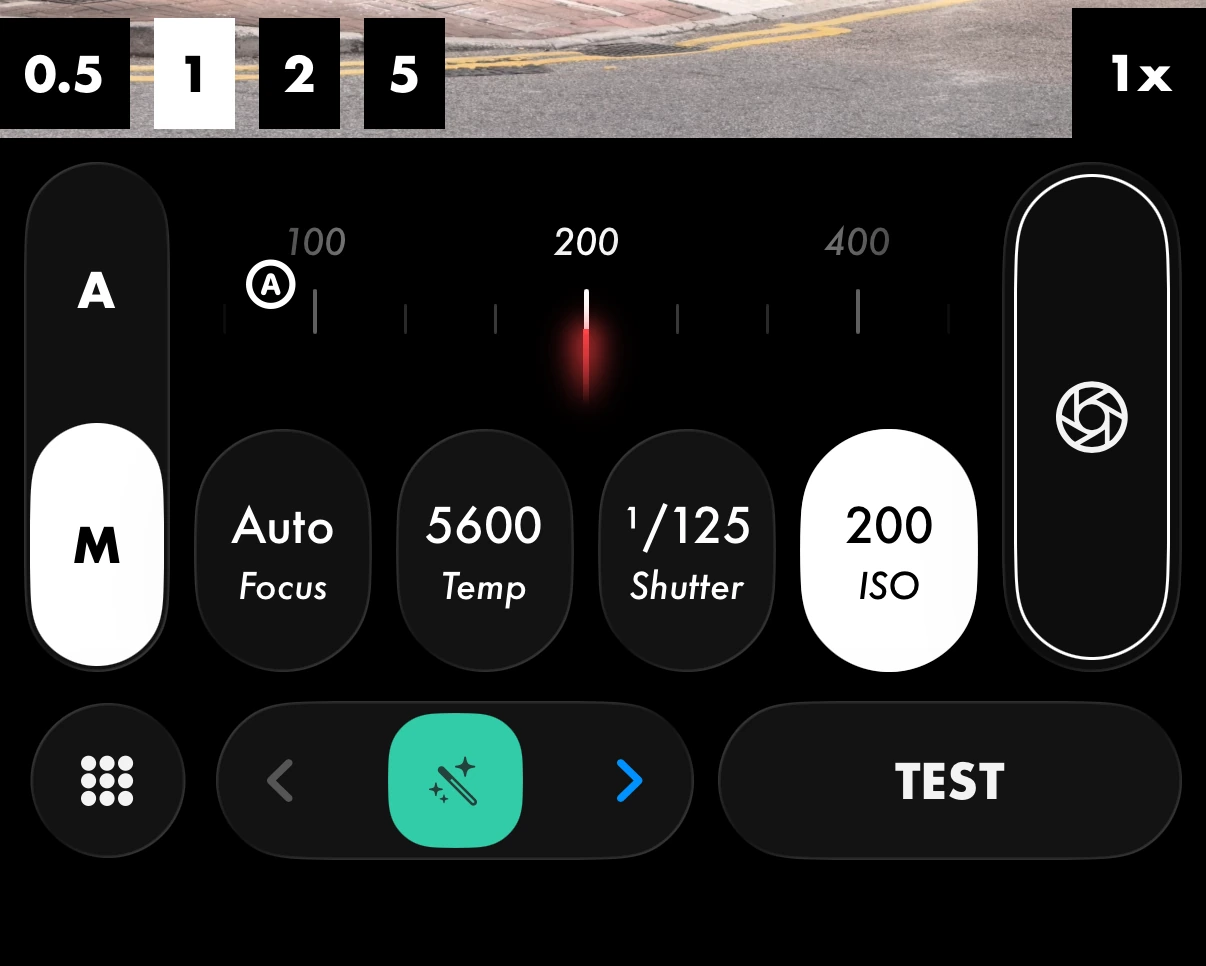
Two cameras, one RAW pipeline. Snap keeps everything automatic for the shot you can’t miss. Photon gives you direct access to shutter speed, ISO, focus, white balance, exposure, and lenses - in Bayer RAW, without burying the viewfinder in controls.
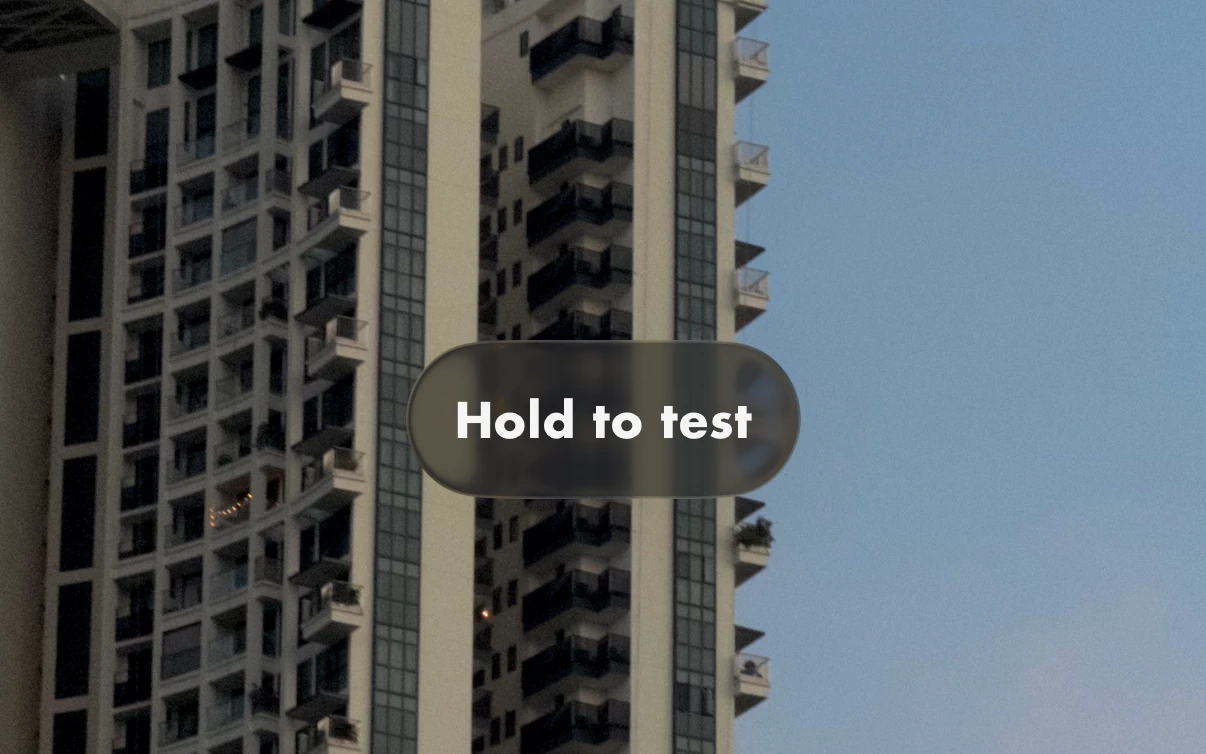
LUMA live processing preview - Hold to test in the viewfinder

Live processing preview

See the finished idea before you shoot.

Hold TEST to render a full preview through your active Preset. Judge tone, colour, and contrast in the viewfinder while the original RAW remains intact.

LUMA Lab editing controls

Non-destructive Lab

Develop deeply.
Never lose the original.

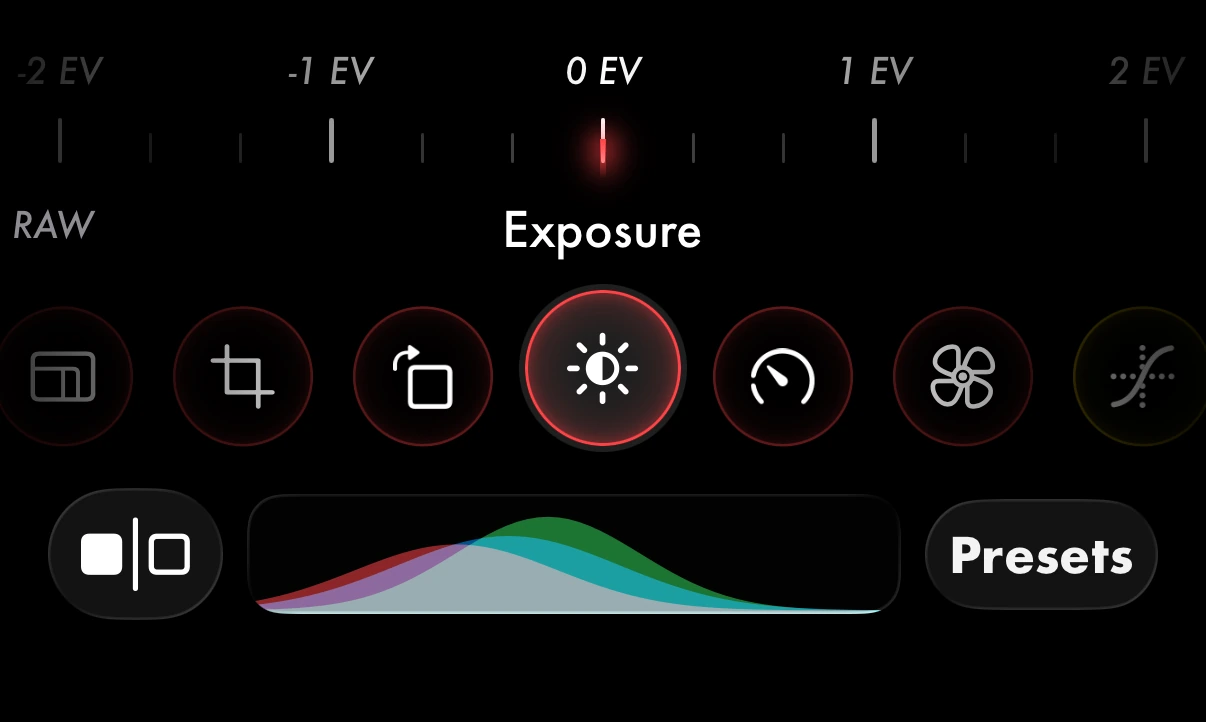
Shape exposure, tone, colour, grain, crop, and export format in an on-device pipeline designed around reversible decisions. Or describe the look you want and let Sensei build the Preset for you.

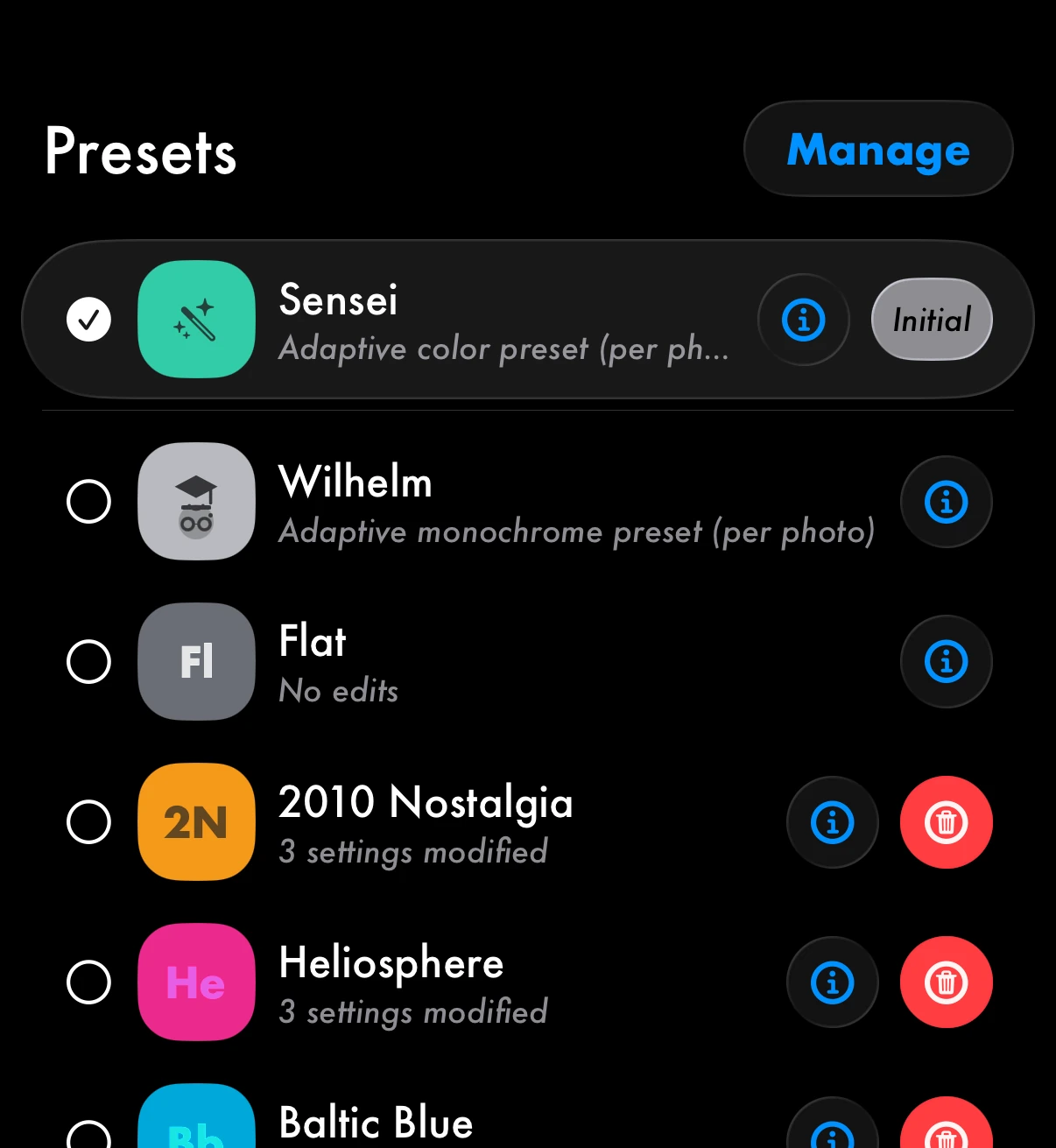
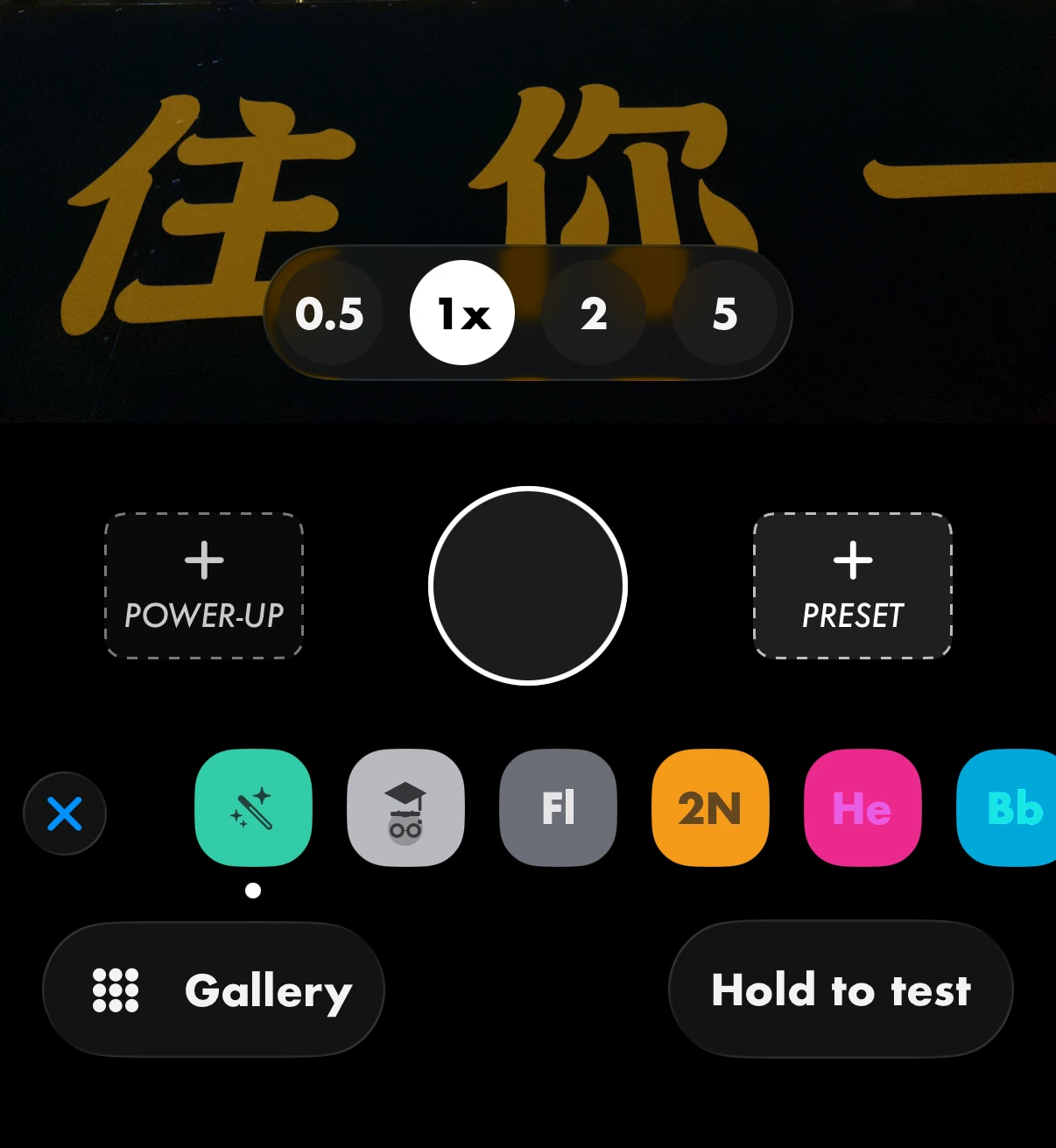
LUMA Presets interface Applying a Preset in the LUMA camera Preset rail

Your Presets

Build a look.
Take it back to camera.

Save your Lab edits as reusable Presets, organise them by colour, and apply your own Preset with every shutter press - in Snap or Photon.

More than a camera

Everything you need to keep photographs moving.

  • 48MP Fusion

    Combine high-resolution detail with LUMA’s photographic processing pipeline on supported iPhone models.

  • EDR development

    Process and export photographs in extended dynamic range while retaining a controlled SDR result.

  • RAW import and batch

    Develop existing RAW files from iPhone or dedicated cameras, including complete batches with one Preset.

  • Private by design

    Capture and processing happen on device. Your photographs remain yours throughout the workflow.

Shot and developed with LUMA

From available light to a finished photograph.

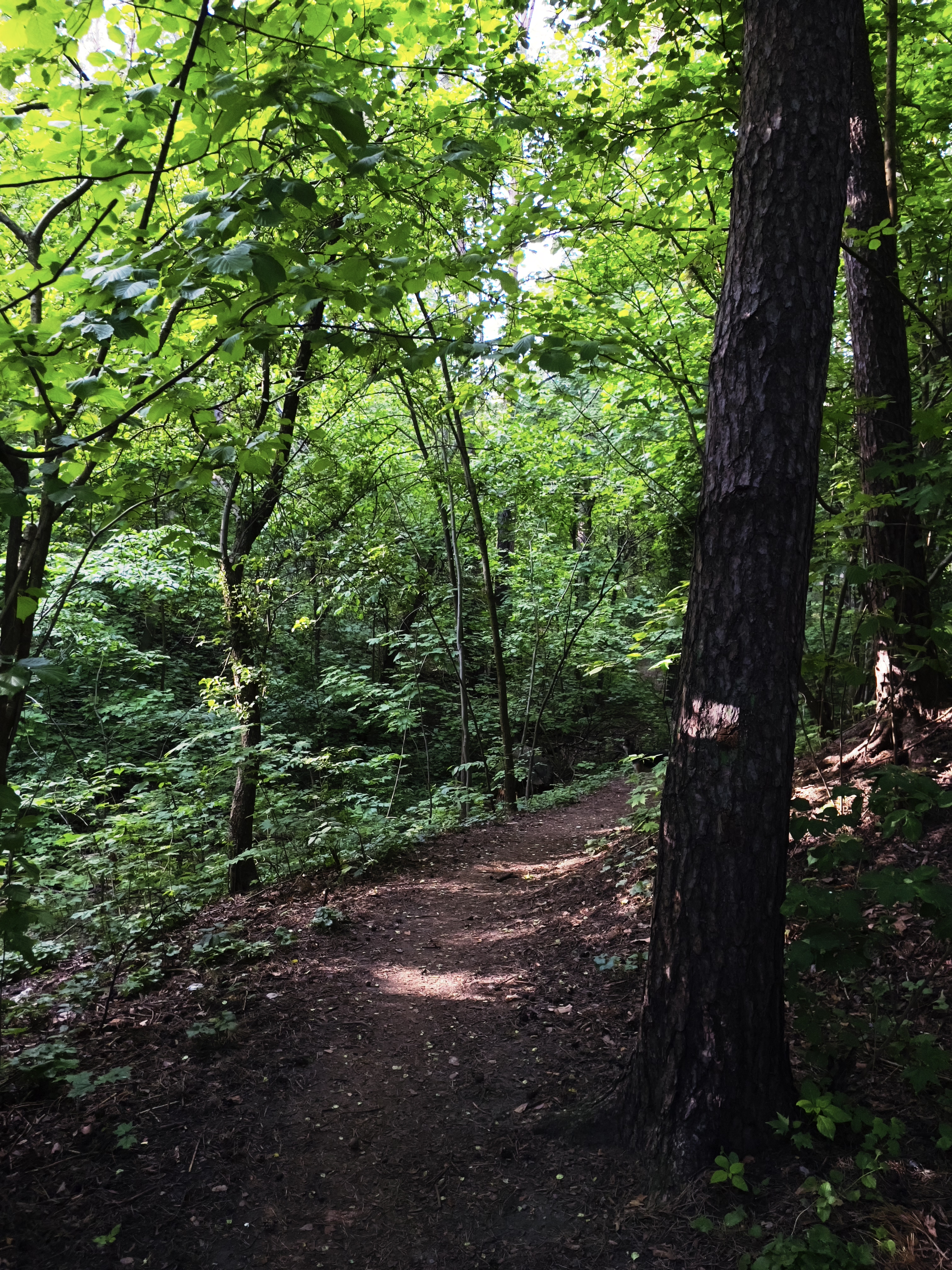
Forest photograph developed with LUMA City photograph developed with LUMA Landscape photograph developed with LUMA Portrait photograph developed with LUMA

App Store reviews

What photographers say.

“By far the most sleek and sophisticated dedicated app for photography on iOS.”
The best editing and shooting app on the AppStore right now · UK App Store
“Probably the best camera app for iPhone, it totally changed my way of taking pictures.”
My go-to for iPhone photography · Italian App Store
“The photos look neat, the interface looks good, really user friendly.”
Really really good · Philippine App Store
“It’s an excellent app with so much versatility, whether shooting manual like me or someone shooting much more casually.”
UPDATED FOR LUMA 4 · US App Store
“A lovely app that’s a joy to use!”
Lovely app · French App Store
“A great camera app with automatic and manual modes, with steady updates and integration with the Apple gallery and cameras.”
Recommend · UAE App Store

LUMA

LUMA Camera & Presets

Available on the App Store for iPhone.

Download on the App Store