Capture
RAW + manual control
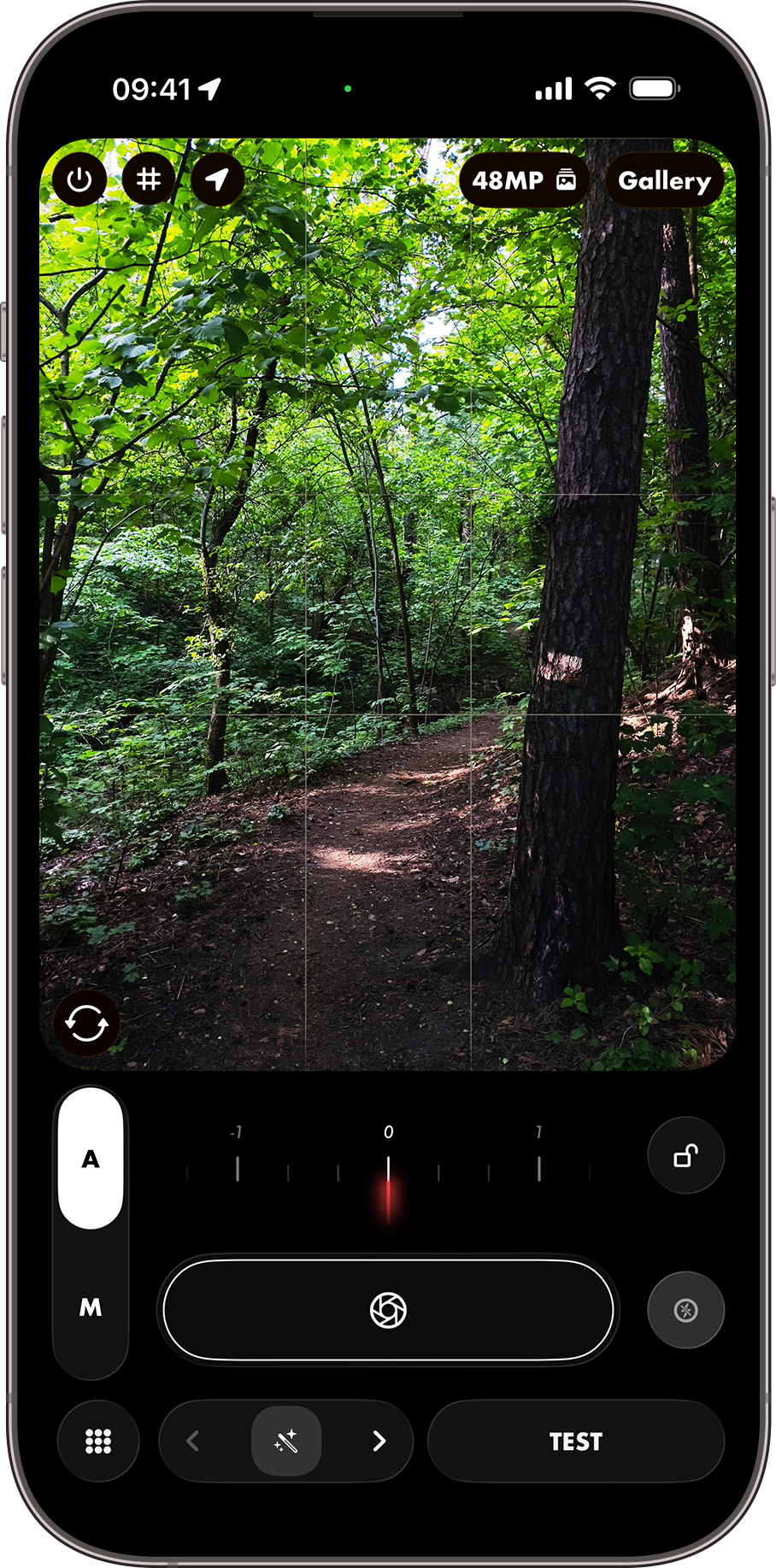
Bayer RAW, manual ISO and shutter, focus, white balance, tap-to-expose, and lens switching.

RAW-first capture, live preset rendering, and a non-destructive editor. The all-in-one studio for mobile photographers.
Capture
Bayer RAW, manual ISO and shutter, focus, white balance, tap-to-expose, and lens switching.
Preview
Holding the TEST button lets you see the final processed photo directly in the viewfinder.
Lab
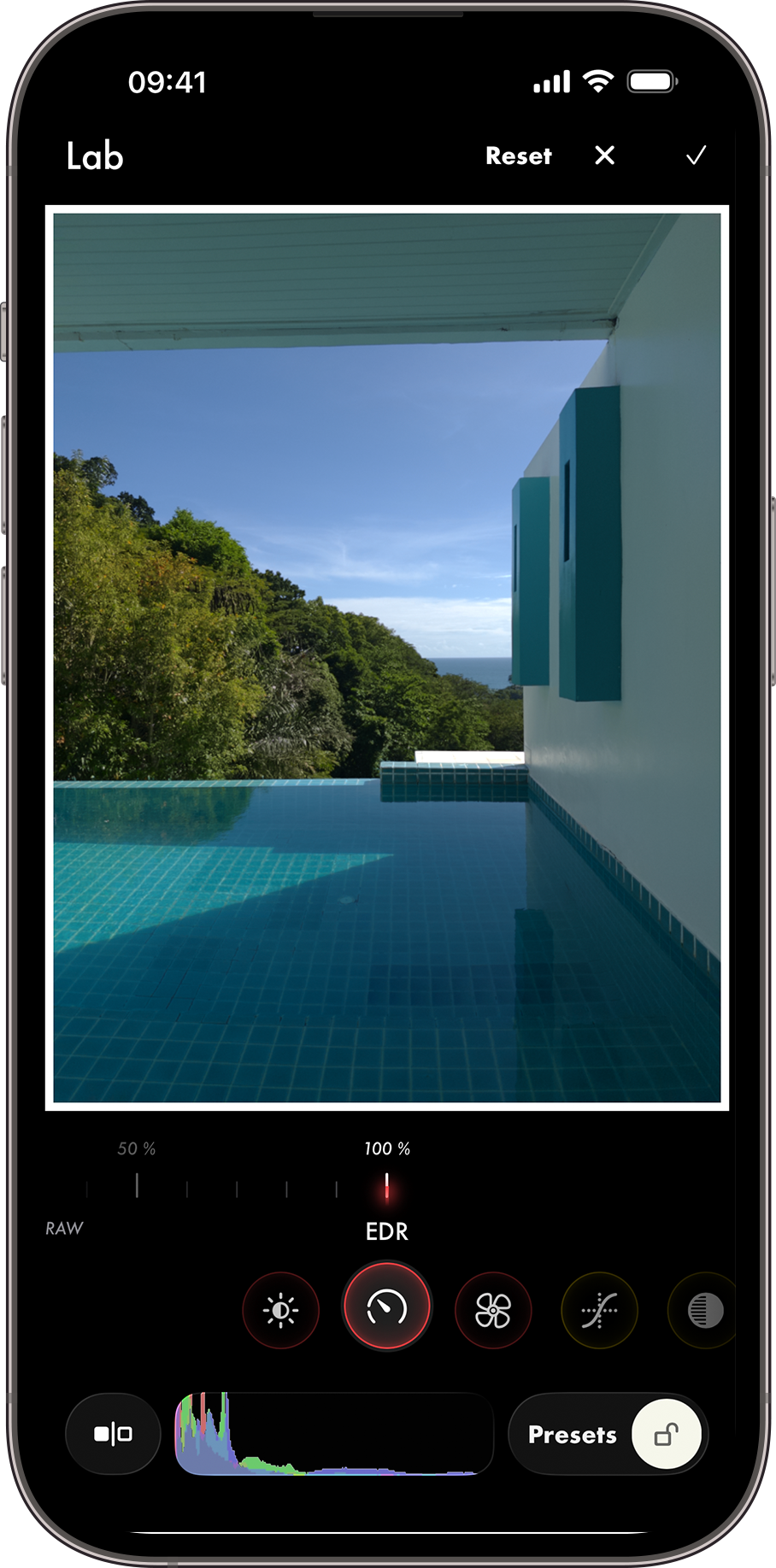
Shape tone, color, grain, and export format in one on-device pipeline.
Presets
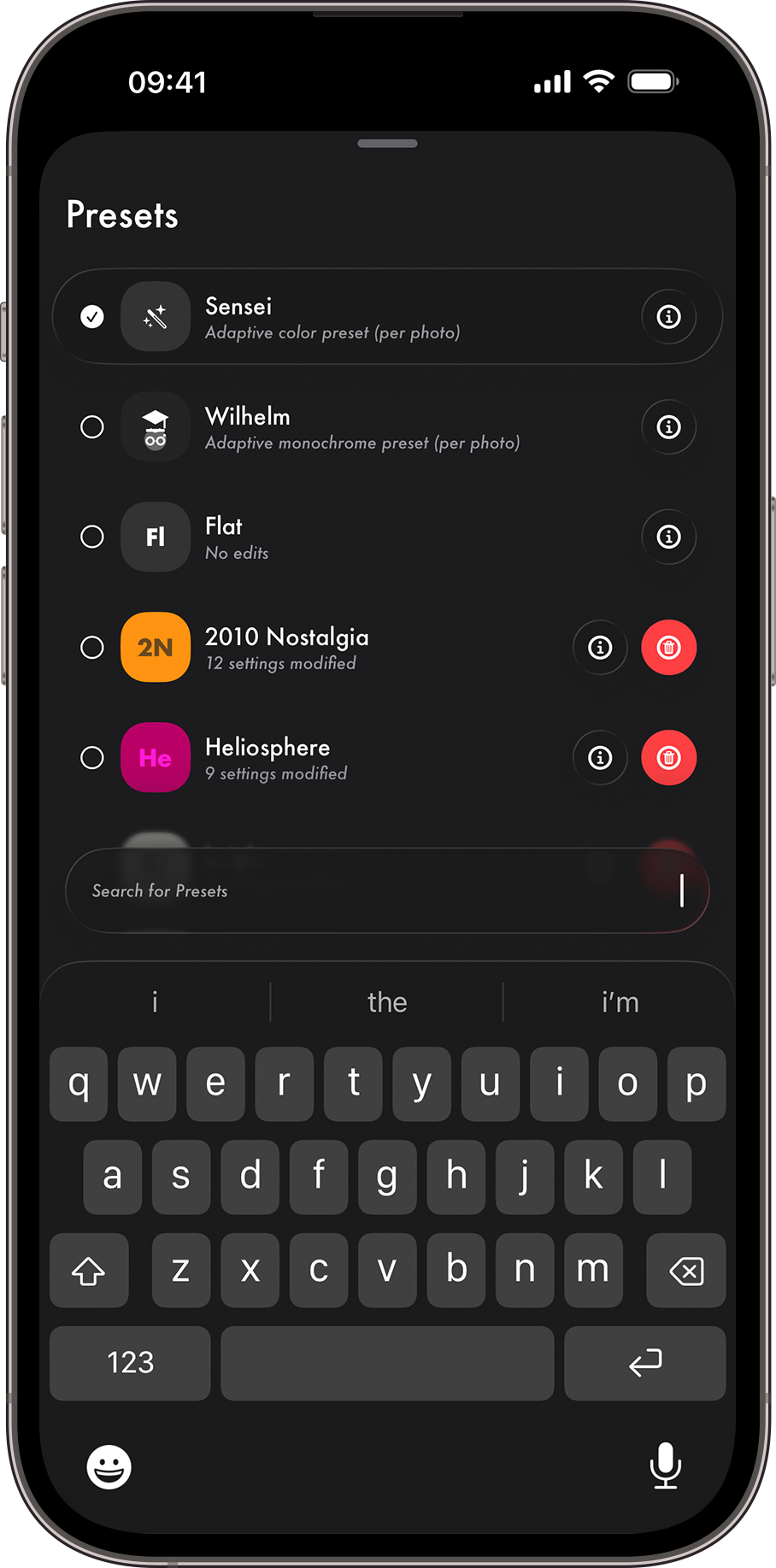
Apply your favourite edits directly in-camera, and capture to Photos directly from the lockscreen.
Club
Optional upgrades for sharper detail, premium looks, and early access feature drops. Supported by all devices.
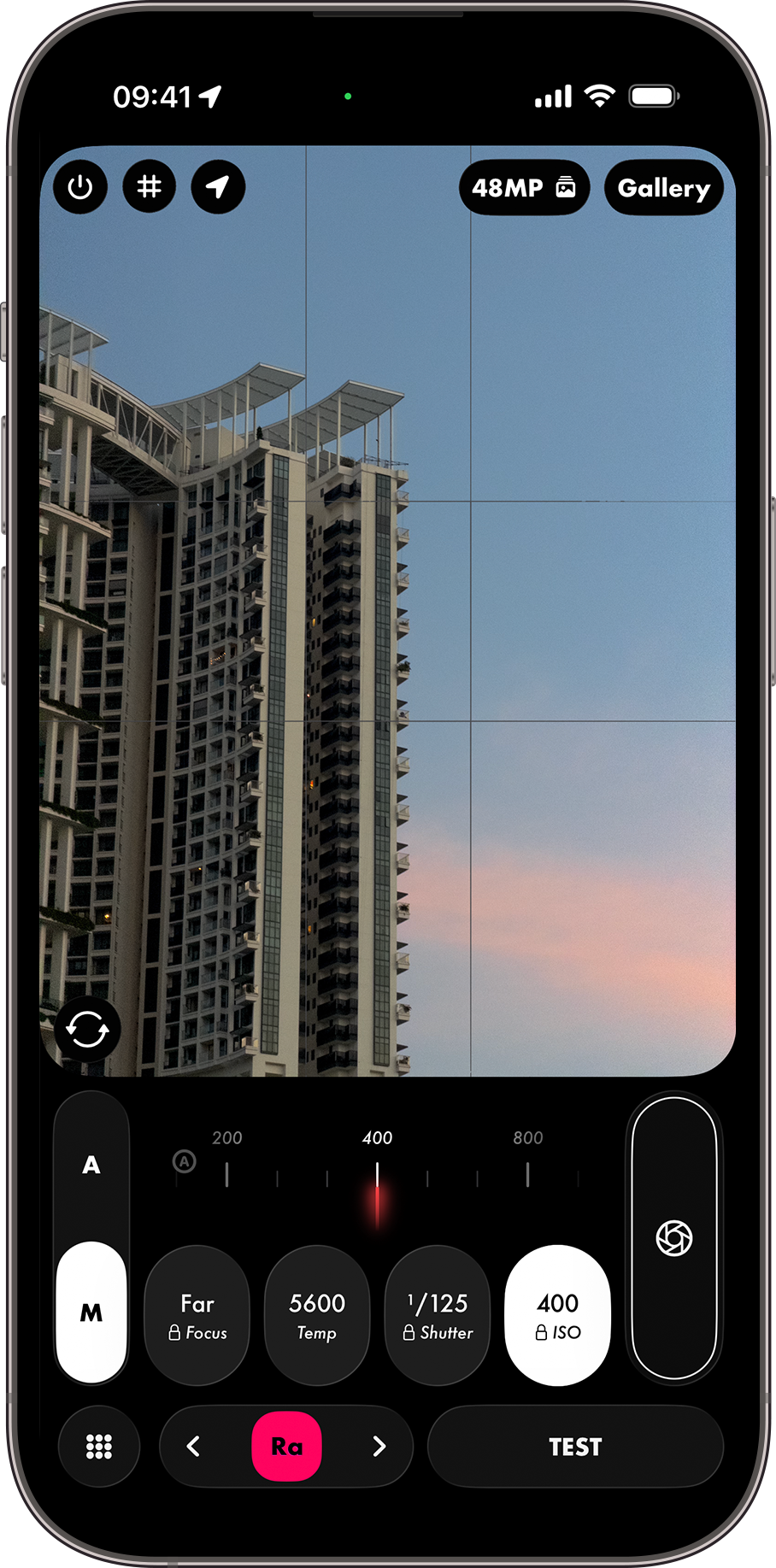
Shot with LUMA
Export in 10-bit extended dynamic range. Revive old raw files from any camera, even your full-frame systems. With the power of raw capture, your photographs just keep on getting better.


Full-quality assets
Screenshots
Start quickly, choose a look, switch into manual control, and finish in Lab without jumping between disconnected tools.
Presets
Presets are your recipes for developing raw photos. Start from scratch, or edit pre-configured Club Presets.
Reviews
The best feedback repeatedly comes back to the same things: control, speed, and the feeling that the iPhone camera is finally doing what they want.
“By far the best of any I’ve tried.”
A DSLR user described LUMA as the first iPhone camera app that made them want to take phone photography seriously.
“The best editing and shooting app on the App Store right now.”
Another reviewer called out the combination of sleek design, RAW editing, and on-the-go workflow as better and easier than Lightroom on mobile.
“My go-to for iPhone photography.”
Reviewers keep coming back to the same point: LUMA changes how they shoot because it finally gives the camera enough control to matter.
Go deeper
We take pride in our work - LUMA is here to stay.
Updates
Discover new Presets and feature updates all in one place.
OpenTechnical
Explore the RAW-first architecture, EDR pipeline and export system in more detail.
OpenGuide
Learn the basics of LUMA's Camera and Lab processing studio.
OpenPress
Find approved product copy, icon assets, screenshots and sample downloads.
OpenClub Presets
Discover the Club Presets pack, trained on legendary film stocks and cult-classic movies.
OpenLegal
Review how the app handles privacy, what data is not collected, and where to reach the developer.
Open