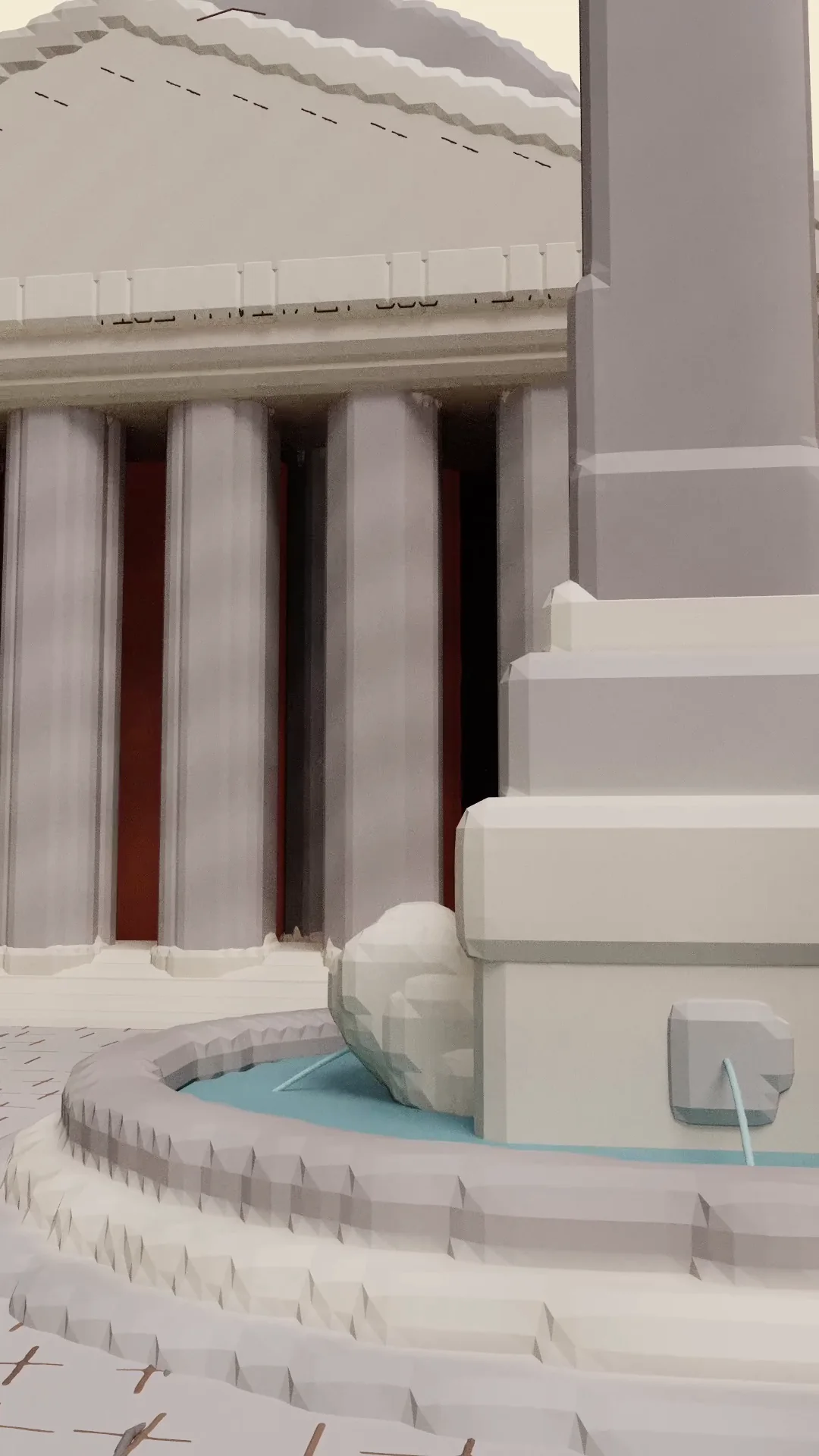
Los Angeles · Spatial study
Case Study House 22
Architecture begins as a line you can enter.
Metaspace for iPad and iPhone
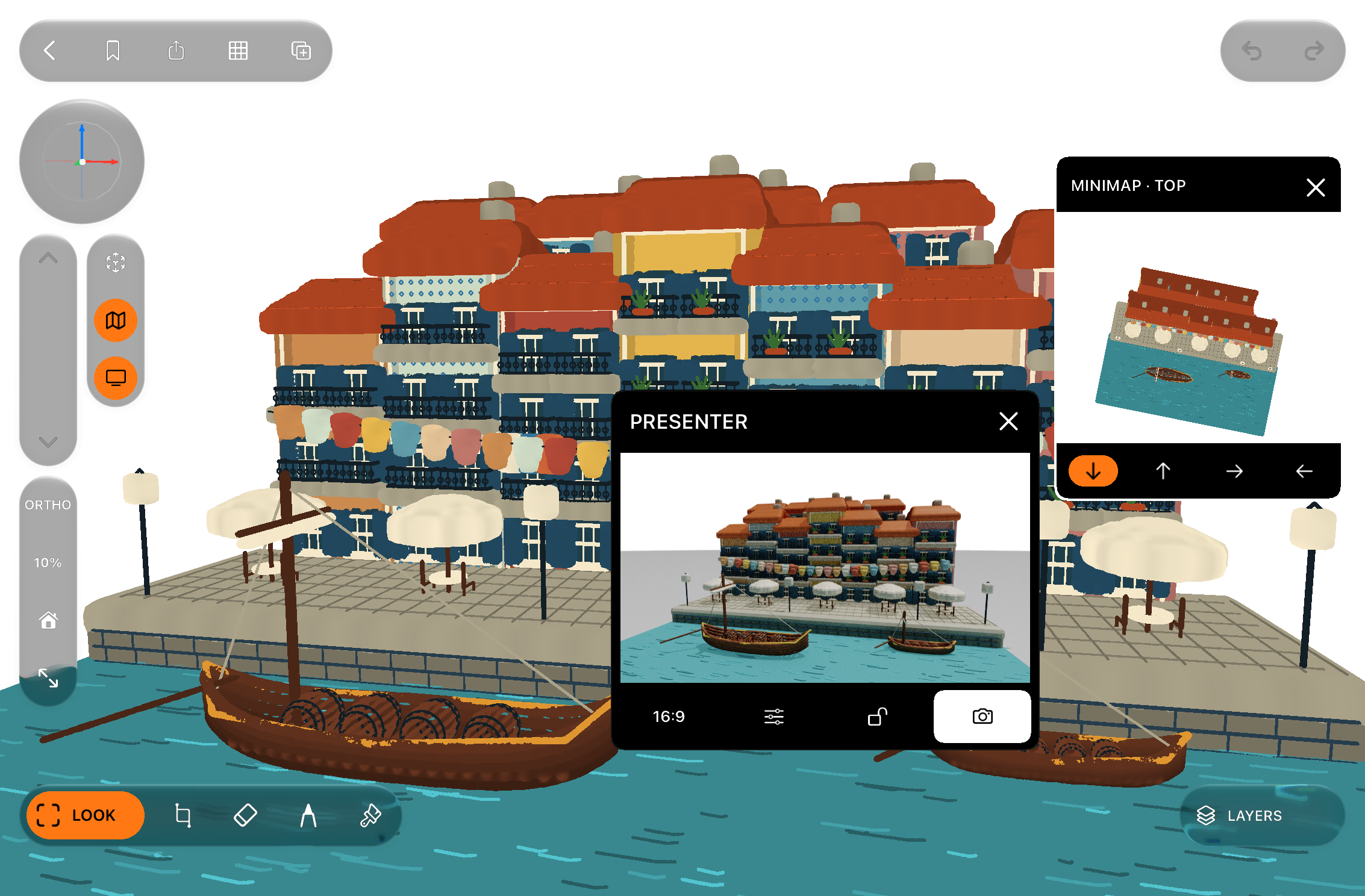
Draw ideas directly in space with Apple Pencil. Move around every stroke, build depth naturally, and turn rough thoughts into scenes you can explore.
A new kind of canvas
Metaspace removes the distance between imagining a spatial idea and seeing it from every side. Sketch quickly, change your viewpoint, and keep building - without ever opening a CAD app. When the idea is ready, it can leave the screen entirely and stand in the space it was made for.
Los Angeles · Spatial study
Architecture begins as a line you can enter.

Spatial drawing
Draw on a clear plane inside three-dimensional space. Move closer, step back, or orbit around your work while every stroke stays exactly where you placed it.

Apple Pencil first
Familiar drawing tools, responsive input, and simple gestures keep the interface out of the way. Use touch to navigate and Apple Pencil to create with precision.

Layers and viewpoints
Separate ideas into layers and save important camera positions as viewpoints. Complex sketches remain easy to understand, revisit, and present.

Augmented reality
Bring a drawing into the world around you and review it at human scale, a digital layer set into physical space. Seen where it will actually stand, an idea reveals its true proportions and presence. Share complete projects so the spatial thinking continues across devices.
More than meets the eye
Start with one mark and continue building outward without being constrained by a page edge.
Move from precise lines to expressive marks with pens, pencils, brushes, shapes, rulers, and adjustable widths.
Package scenes, layers, metadata, and previews into a shareable .mtspz project.
Move between viewpoints, isolate layers, and review a scene from multiple angles without rebuilding it.
Made for spatial thinkers



App Store reviews
Featured App Store review
“firstly may I say: thank you, developer. I felt like I was gifted an entirely new app, and was truly in awe by the new dimension you brought to the user experience. masterfully executed; i fell in love with Metaspace for a second time over.
to anyone reading this who has yet to experience the app’s latest plethora of capabilities: do yourself the favor. for 3DCG enthusiasts, it’s a necessity for those seeking to fill any gaps covering 2D sketching in a 3D environment... look no further than Metaspace.
i hope nothing more than to see this app gain the recognition it deserves. i’ve scoured the App Store countless times over and have never found another which fills the niche quite as justifiably as this one does. 🌐✨”
“I love the pencil tool and the floating panels. Look forward to V16 and onward. I have faith in you!”
“A little bit tricky to use, but quite powerful. Pretty much the only useable option for quick 3D sketching on iOS.”
“This is a really good app so far and it has the potential to be very big too.”
“The drawing here feels explorative.”
“Cool app, been using for a few days. Lots of possibilities with a bit of patience...”
“I’ve been using it, and is really good... you’re in a good way, just some fixes and it could be a boom!”
Learn and explore
Open a scene from somewhere remarkable. Then make it your own.
Short lessons for movement, drawing, and complete spatial workflows.
Detailed guidance for tools, layers, viewpoints, projects, and troubleshooting.
Explore the systems behind real-time drawing, persistence, and project sharing.
Metaspace
Available on the App Store for iPhone and iPad.
Download on the App Store