3D sketching that feels natural
Your hand moves the way you already know, so drawing in 3D feels simple from the first minute.
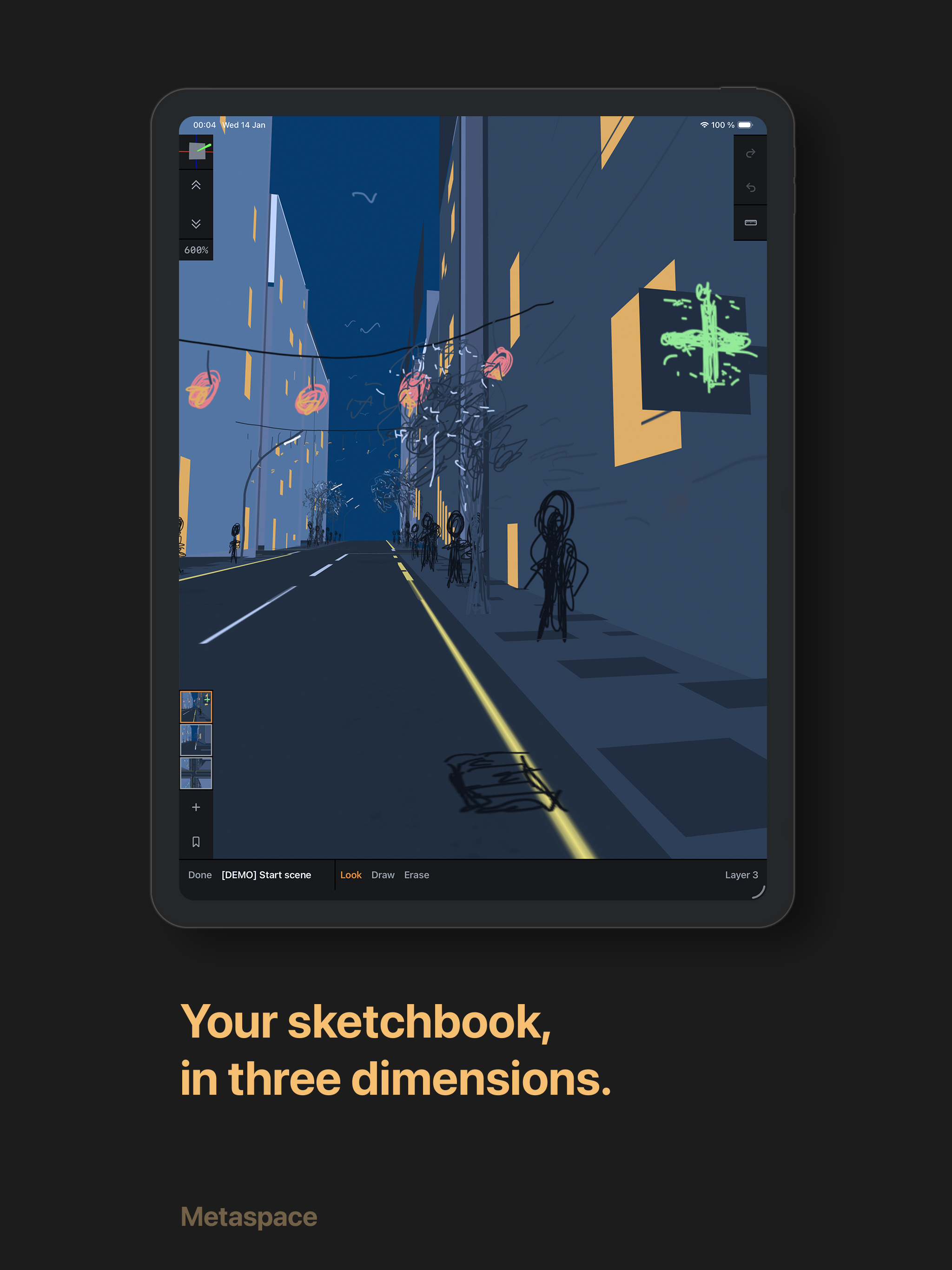
Sketch ideas in 3D with Apple Pencil, then refine from every viewpoint.
Highlights
Your hand moves the way you already know, so drawing in 3D feels simple from the first minute.
The drawing plane sits between viewer layers, so every stroke lands at a clear depth you can read.
Why creators choose it
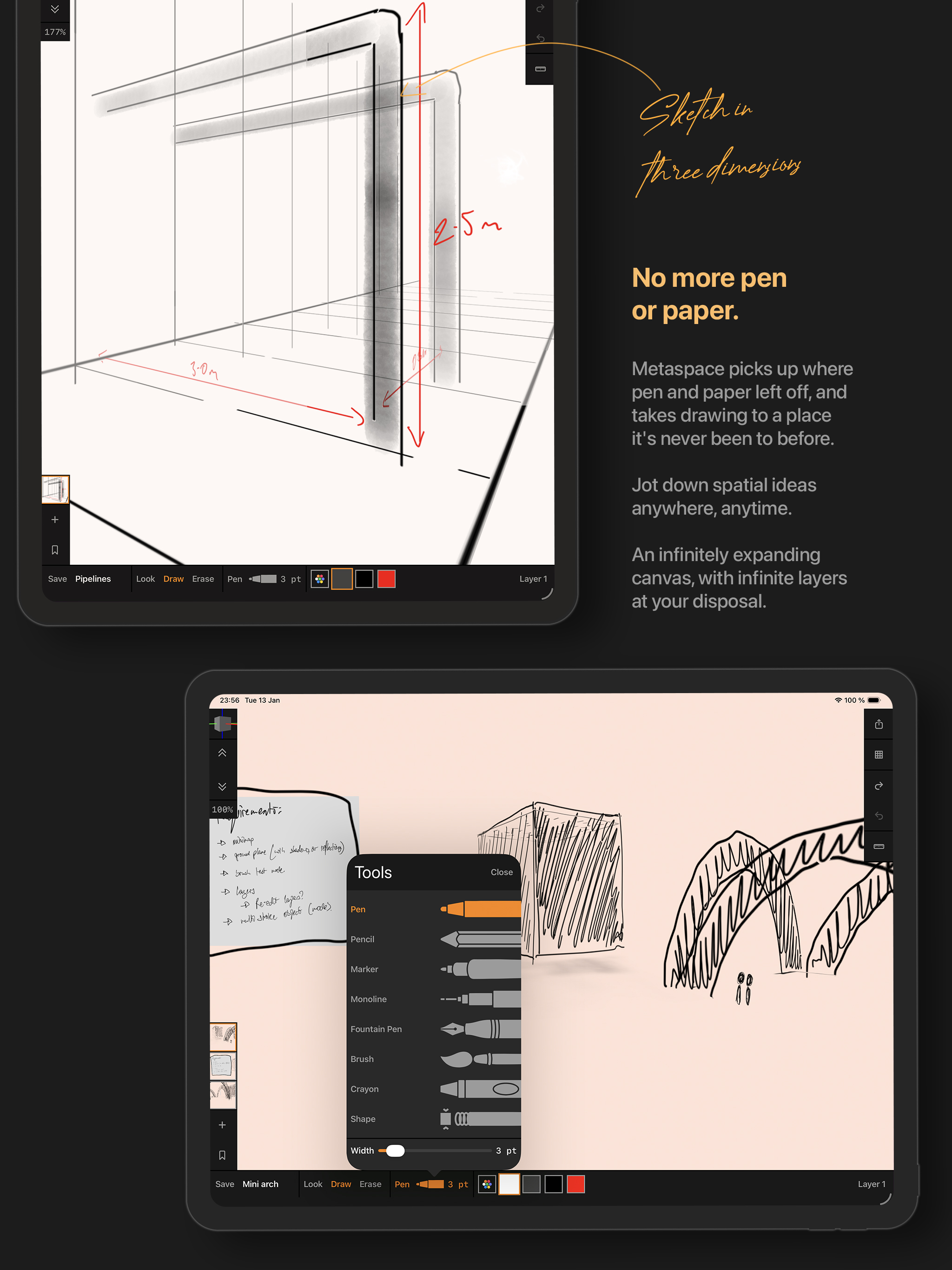
Draw ideas with depth and perspective instead of squeezing everything onto a flat page.
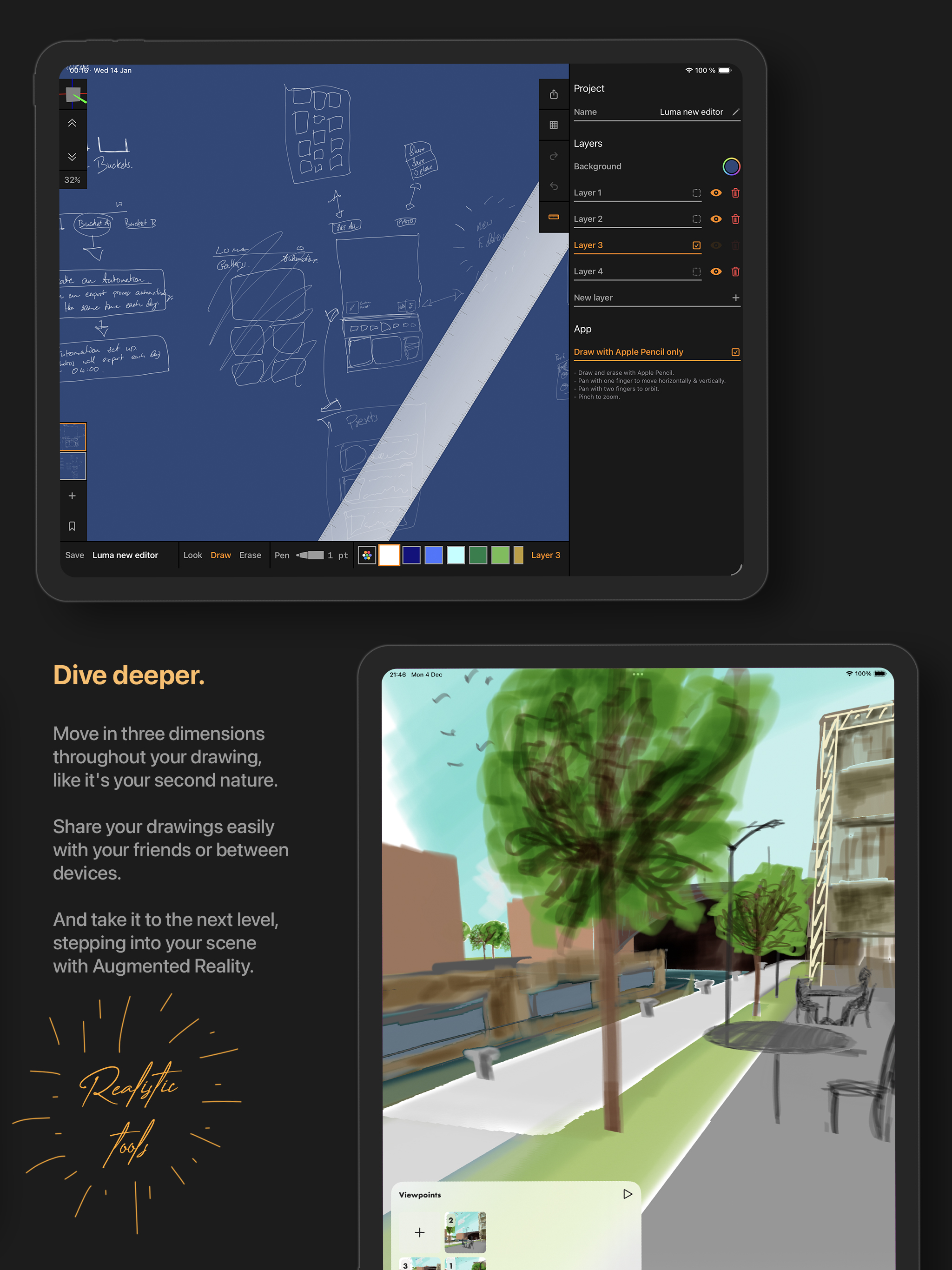
Start small, then keep adding layers and scenes as your project grows.
Use familiar Pencil gestures with tools that stay fast and responsive.
Step into your sketches in AR and review concepts in real space.
More
Reviews
4.0 out of 5.0
545 Ratings
Everything is good about the app exept the in app purchases, lower the price for the things and even more people will install this! 5 stars.
A little bit tricky to use, but quite powerful. Pretty much the only useable option for quick 3D sketching on iOS.
Dear Developer, please don't give up on this! The lifetime purchase and 5 stars aren't based on what you have done, it's based on the direction you're headed in. I love the pencil tool and the floating panels. Look forward to V16 and onward. I have faith in you!
Try deep drawing through pressure and push to link place.
Have been using this for nearly an hour just having fun creating doodle Art. Once you get used to it the possibilities seem endless. Thank you!
This is a really good app so far and it has the potential to be very big too, my suggestion would be to make it very very user friendly and game-like since this is basically the art of the future so if you can appeal it to the much younger artisanal generation then i believe it will become a popular app, even now it's amazing I love doodling around and putting them in AR, keep up the great work developer(s)
I like the update so far, the user interface has improved which I like. In the previous version we was able to import images into the canvas, Is that option still available?
Cool app, been using for a few days. Lots of possibilities with a bit of patience... looking forward to added features to in enhance creative possibilities.
Its still new and has lots of potential. I am really looking foward for grouping function on things we draw. And I would say it is nice to have the group lock in place and can be move around. The drawing here feels explorative. Hope there will be updates for the apps.
It's good but the only thing I don't like is the fact that there's no tutorial at all so you have to learn how to do it yourself.
I've been using it, and is really good, just a little lag when there are many strokes in canvas, and it would be amazing to have xyz orientation, maybe you can find some ideas in "mental canvas" app... you're in a good way, just some fixes and it could be a boom! Thank you!!
I had tried this app before and i have redownloaded it again and its really unique and artistic to use. Has a good future.
So I really like the idea of the app, but I have a suggestion which is an idea I haven't seen replicated anywhere else as of yet. So if you were to incorporate this into AR, you could project your project into the real world and explore what you (or others) have made. It can be used for brainstorming and as a 3D whiteboard. You can use your phone to draw maybe by moving it around in the real world and translating that into a line in the virtual world. But please give this some thought, maybe you are already working on it. Thanks.
Demos
Loading demos...


Screenshots
Technology
Want to go deeper? See how Metaspace handles real-time 3D sketching, input, project files, and sharing.
Guide
Need step-by-step help? The manual walks you through setup, tools, layers, navigation, sharing, and troubleshooting.
Press
Find approved product text, app icon files, screenshots, demo files, and media contact details.