Press release
Metaspace 17.5 brings a dramatically faster Spatial Ink experience
The biggest Spatial Ink performance update yet makes complex drawings faster, lighter, and more responsive - with an all-new Pro Workspace that keeps the canvas at the centre.
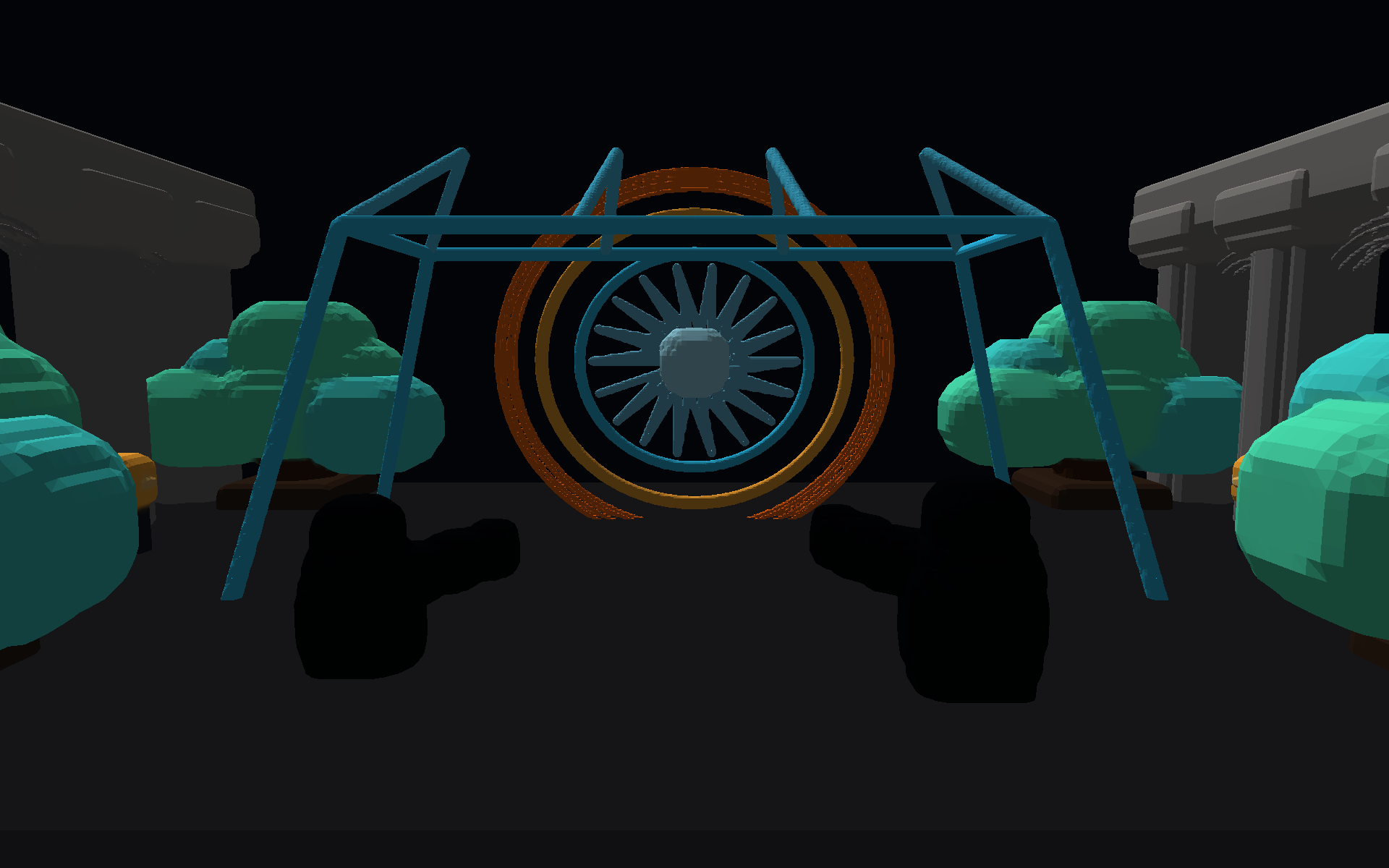
Spatial Ink performance
Performance, multiplied.
Metaspace 17.5 moves through complex spatial drawings with dramatically less waiting and far more reuse of work already complete.
faster ready lookup for very large warmed strokes
faster overlap handling for separated strokes
faster topology when unchanged work can be reused
faster hide and show topology in the Marrakech drawing
faster repeated topology work with exact scale reuse
faster multi-build rendering
Representative internal benchmarks across distinct workloads. Figures are not cumulative, and results vary by drawing, device, and editing state.
VILNIUS - Digital Architecture today released Metaspace 17.5.0, the most significant performance update yet for its spatial sketchbook on iPhone and iPad. Complex Spatial Ink drawings now respond faster as they grow, use memory more efficiently, and preserve more completed work from one edit to the next.
Metaspace 17.5 also introduces Pro Workspace, a new canvas-first experience that brings tools, project controls, commands, and rendering into a single adaptable environment. Clearer save status and recovery help protect every idea along the way.
“Metaspace 17.5 is about making ambitious ideas feel immediate. Spatial Ink now stays responsive as a drawing grows, while Pro Workspace keeps powerful tools close without getting in the way.”
Rafal Kopiec, creator of Metaspace
Spatial Ink performance
Speed that keeps up with the idea
The Spatial Ink renderer has been rethought around the moments that matter most while drawing. It avoids work that cannot affect the current edit, reuses geometry that has not changed, and keeps graphics processing focused on the parts of a scene that are actually occupied.
The result is a more immediate feel across overlapping strokes, repeated edits, hide and show, undo, and complex scene updates. New marks also appear sooner, with a true 3D preview arriving while their full topology is completed.
Indexed geometry now uses six times fewer physical vertices and reduces peak mesh footprint by 53.7 percent. Saved projects and exported geometry remain unchanged, preserving the exact form, colour, and detail creators expect.
Pro Workspace
Your canvas. More capable.
Pro Workspace creates one focused editing environment across iPhone and iPad. Drawing tools, project settings, layers, rendering, and navigation come together around an edge-to-edge canvas that adapts naturally from compact screens to expansive iPad layouts.
A new searchable command experience brings every action within reach. Touch controls, hardware keyboards, contextual actions, and menus now feel like part of the same system, so moving from an idea to its next view feels effortless.
Document safety
Designed to protect the work
Clear save status makes it easy to understand when a project is secure. A new recovery system quietly keeps track of recent Spatial Ink changes and, when needed, offers a choice to restore them without ever replacing a saved project on its own.
Refinement
Thoughtful details throughout
Layers behave more predictably, the drawing grid feels calmer and stays anchored in space, and familiar undo and redo controls now describe what comes next. Metaspace 17.5 also brings important stability improvements while keeping existing Classic projects fully compatible.
Availability
Available now
Metaspace 17.5.0 is available now as a free update on the App Store for iPhone and iPad. The app is free to download and offers optional in-app purchases. Metaspace requires iOS or iPadOS 17.5 or later.
Download on the App Store