Press release
Metaspace 17 introduces Spatial Ink and a new way to draw in 3D
The new Modern editor turns every mark into voxel-based volume, bringing direct 3D painting and sculpting to iPhone and iPad.
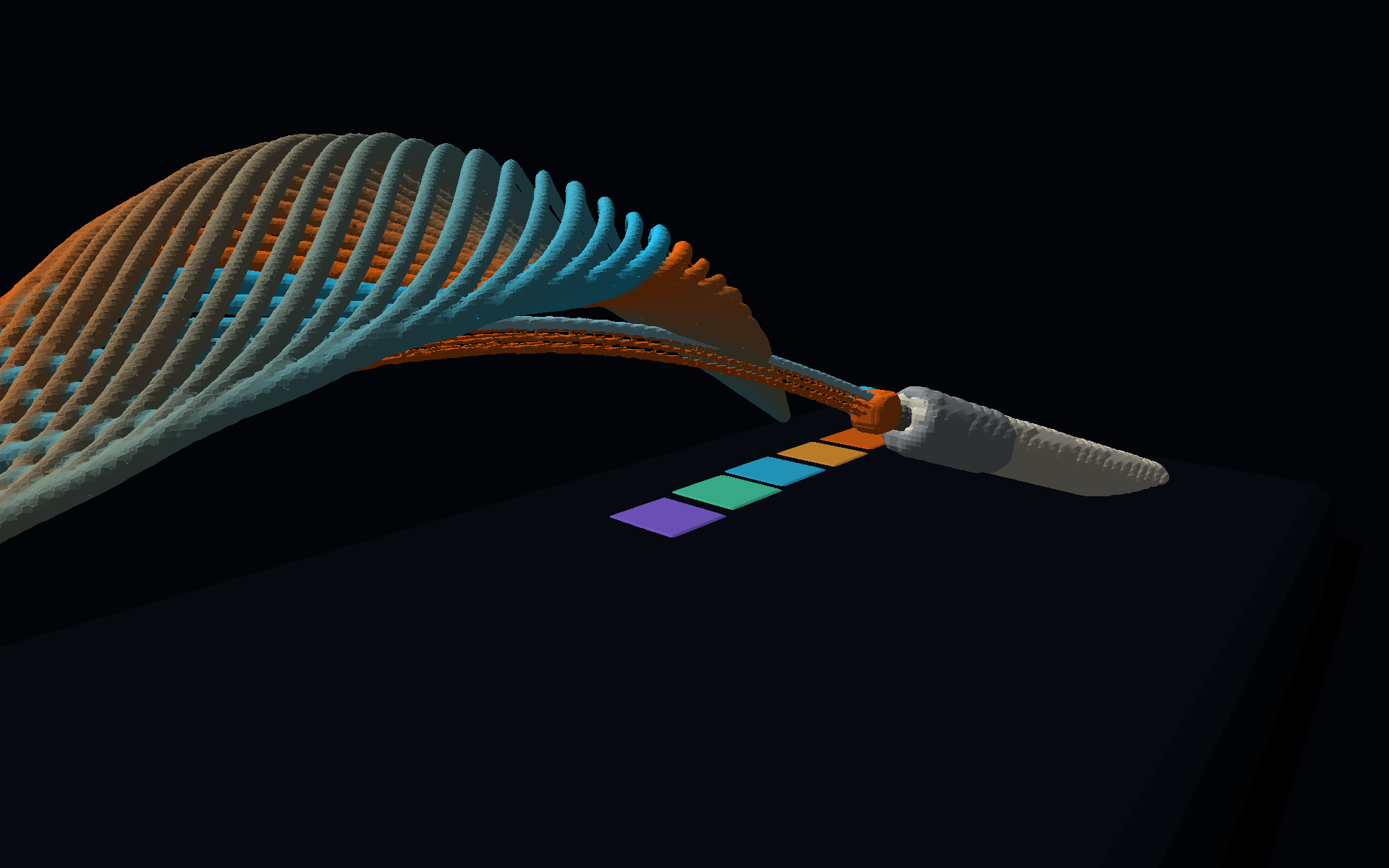
VILNIUS - Digital Architecture today announced Metaspace 17, a major update to its spatial sketchbook for iPhone and iPad. The update introduces the Modern editor, an entirely new voxel-based drawing system that lets creators paint and sculpt directly in three dimensions.
Until now, Metaspace used a classic approach: familiar two-dimensional drawing tools placed marks on a plane inside a three-dimensional scene. It made spatial sketching immediate and precise, while keeping the directness of pen on paper. The Modern editor goes further. Each Apple Pencil or touch gesture creates Spatial Ink - real volume made from voxels that can be seen, lit, and explored from every side.
“Metaspace has always been about making spatial ideas as quick to express as a sketch. Spatial Ink removes the last flat surface from that process - now the mark itself lives in three dimensions.”
Rafal Kopiec, creator of Metaspace
From line to volume
A drawing system built for space
Spatial Ink samples every gesture into a stable voxel grid and builds a filled three-dimensional stroke as the creator draws. Depth testing makes marks behave like objects: they overlap naturally, reveal their form as the camera moves, and retain a consistent physical thickness in the scene.
A focused set of tools gives the new medium a wide range of expression. Pen creates a clean, even 3D line; Brush responds to pressure by swelling into mass; Pencil produces crisp wire-like marks; and Splatter creates clouds of spatial droplets. Line, Fill, and Chisel add geometric control for construction, surfaces, and hard-edged forms.
Designed around the work
Choose the right editor for every idea
When creating a Space, users can now choose between Classic and Modern. Classic remains available for diagrams and plane-based spatial sketches. Modern is designed for illustration, form studies, and modelling with Spatial Ink. The editor choice is made when a project begins, giving each Space a drawing system tailored to its purpose.
Creators can select a project resolution from Performance, Balanced, and Ultra presets. The choice sets the density of the voxel grid, making it possible to prioritize fast, expansive ideation or finer surface detail. Existing Classic projects continue to open with their original tools and structure.
Light, material, and movement
Made to be viewed from every side
The Modern editor includes six render styles - Default, Clay, Unlit, X-Ray, Toon, and Pure Voxel - to move from a natural material view to form studies, translucent structures, graphic presentation, or an exposed voxel grid. Scene lighting, sun direction, time of day, color, and shadows can be adjusted without changing the underlying drawing.
Layers keep complex work organized, while viewpoints preserve important camera positions. Completed Spatial Ink projects can be shared as editable Metaspace files or exported as OBJ and USDZ meshes for 3D workflows, Apple platforms, and AR Quick Look.
Availability
Available now
Metaspace 17 is available now as a free update on the App Store for iPhone and iPad. The app is free to download and offers optional in-app purchases. Metaspace requires iOS or iPadOS 17.5 or later.
Download on the App Store